
 XORELI
Everything the master reaches for, in one place.
Twelve tools that replace a drawer full of templates, spreadsheets and bookmarks.
Letters of protest
100+ ready letters for bulk carriers, tankers, chemical tankers and container ships. Describe the problem in plain words – the program picks the right letter and fills it in.
SOF compare & remarks
Compare the agent's SOF with the deck log – differences flagged, remarks suggested, trigger engine points out what needs a protest. Offline.
Mate's Receipt / B/L compare
Load the MRs and the B/Ls presented for signature – clean B/L against claused MR, quantity, dates, ports, cargo, freight. Offline.
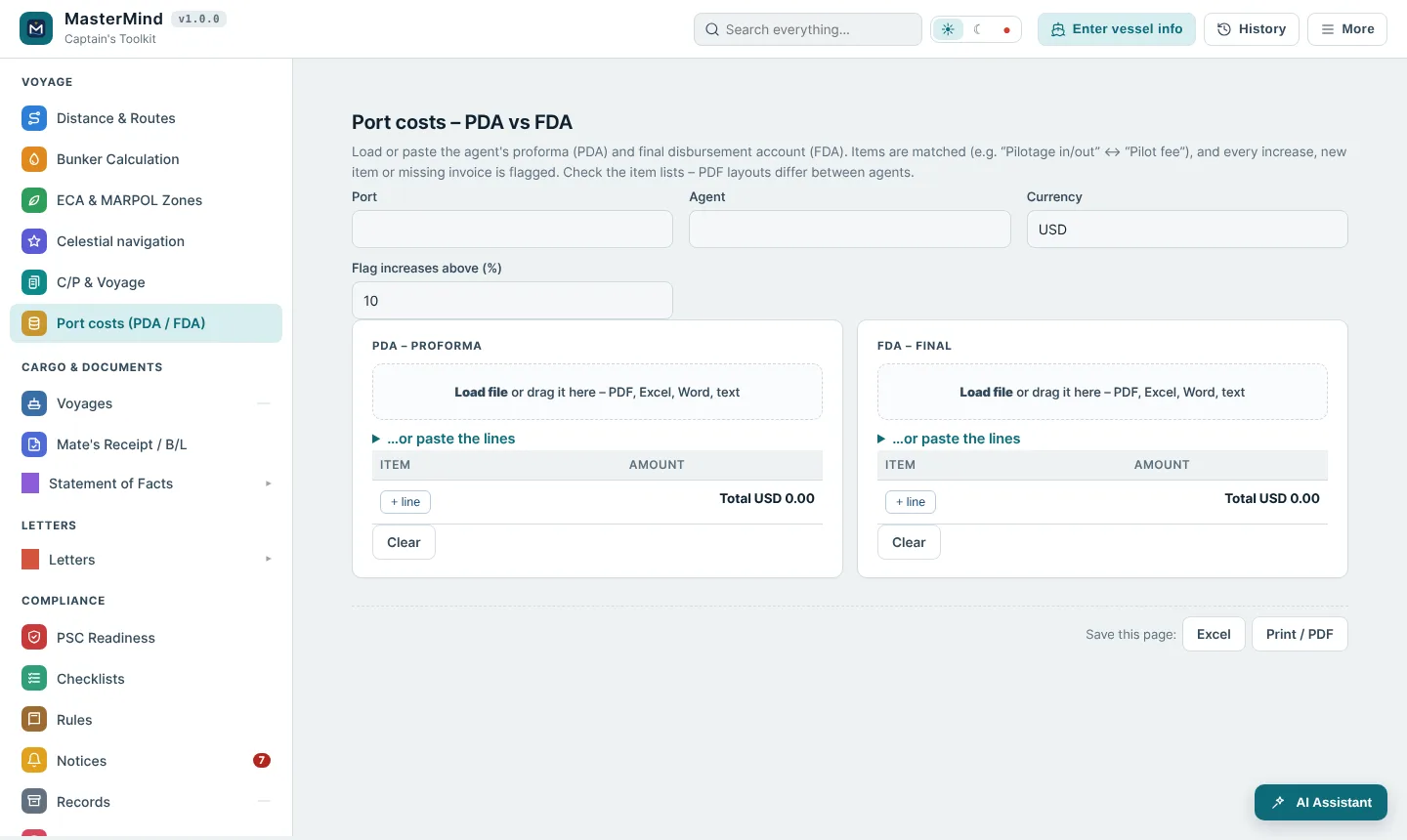
Port costs (PDA / FDA)
Proforma against final account – items matched, new or increased charges flagged with the usual reasons.
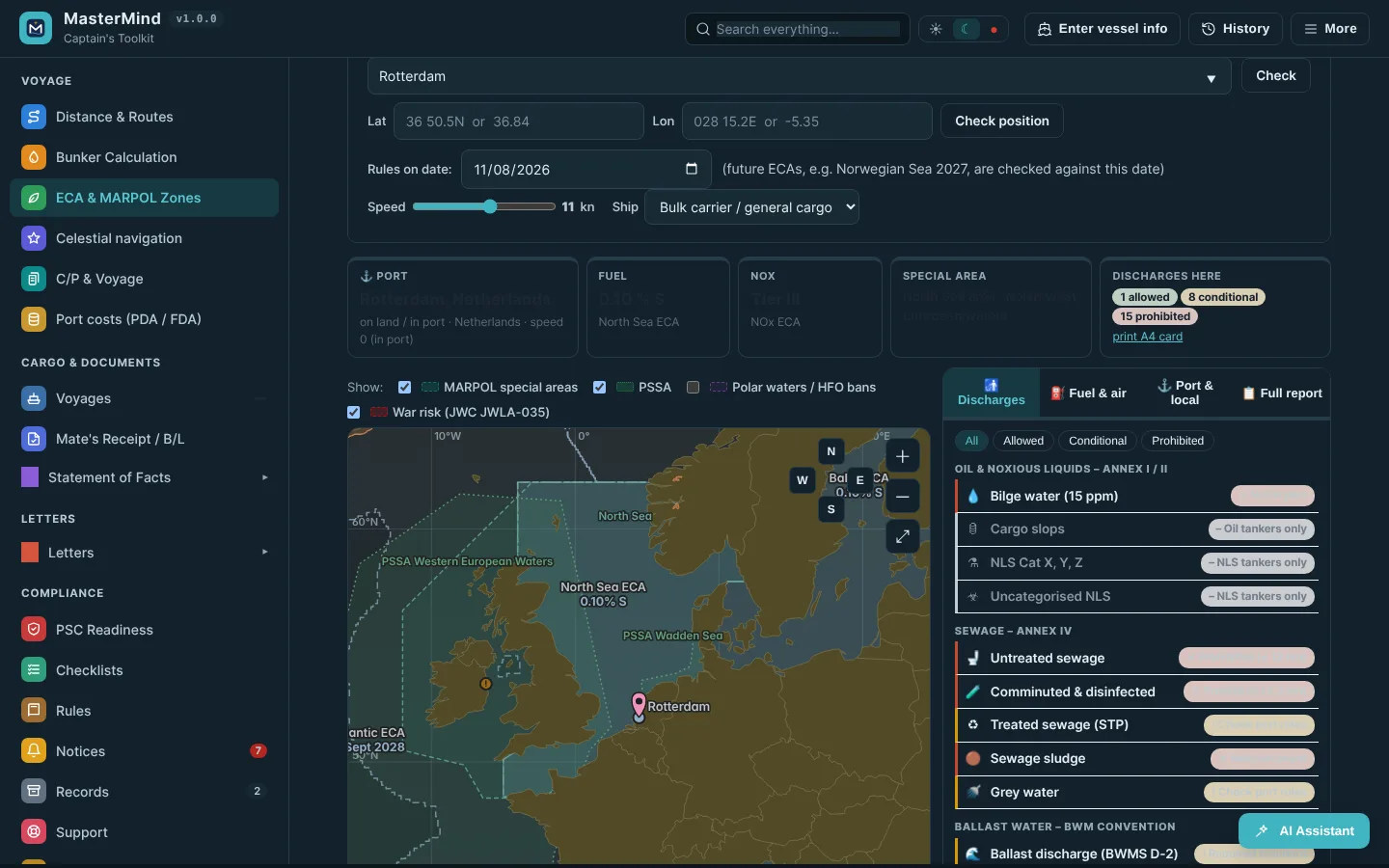
ECA & MARPOL zones
Port or position: sulphur limit, NOx tier, special areas, discharges and local rules. Rules checked weekly, changes delivered to the program.
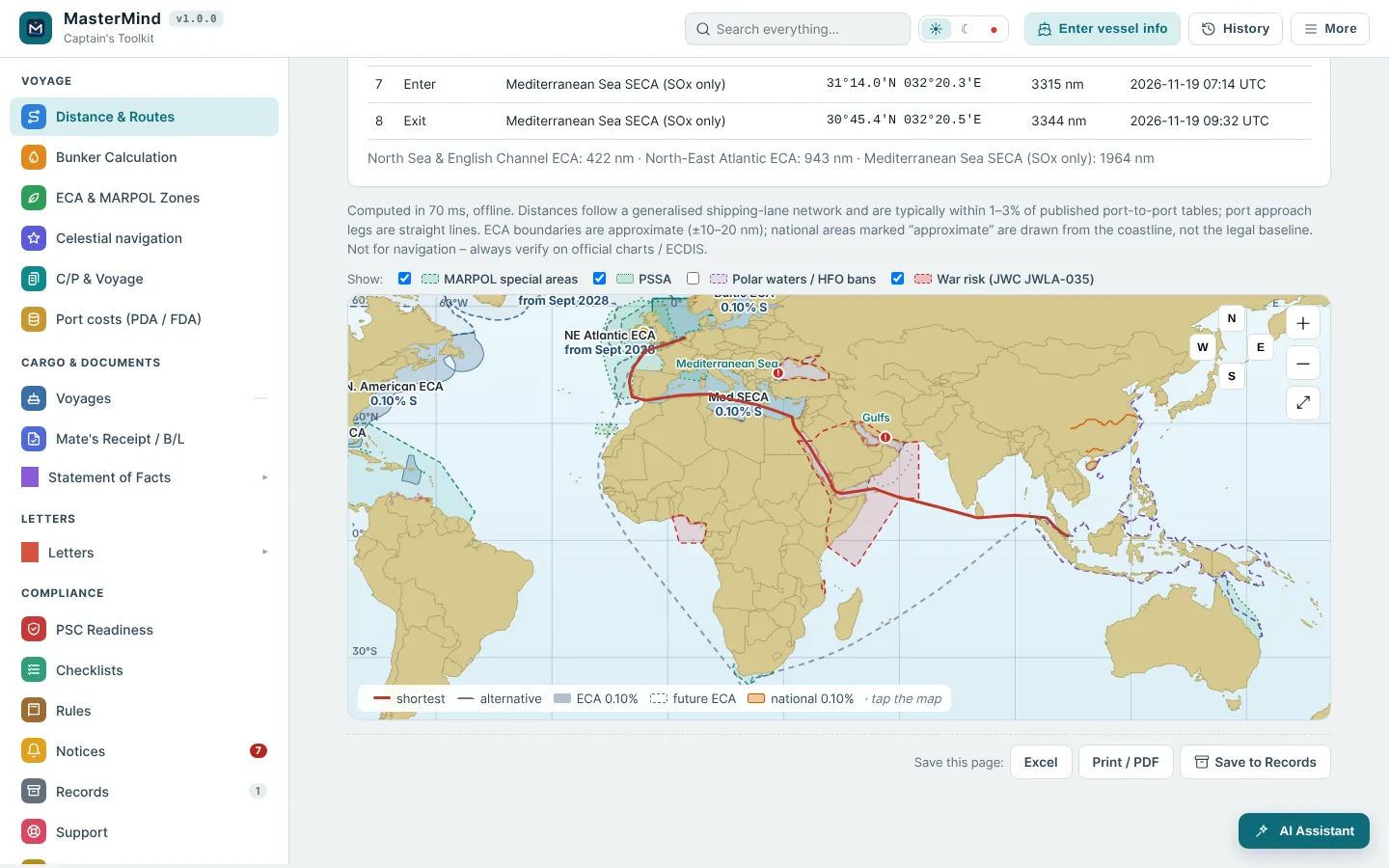
Distances & routes
Port-to-port distance, ETA, miles inside ECA, war-risk areas on the route and the minimum-ECA alternative.
Bunker calculation
Consumption profile, voyage legs and port days – fuel per grade with ECA miles burnt on MGO.
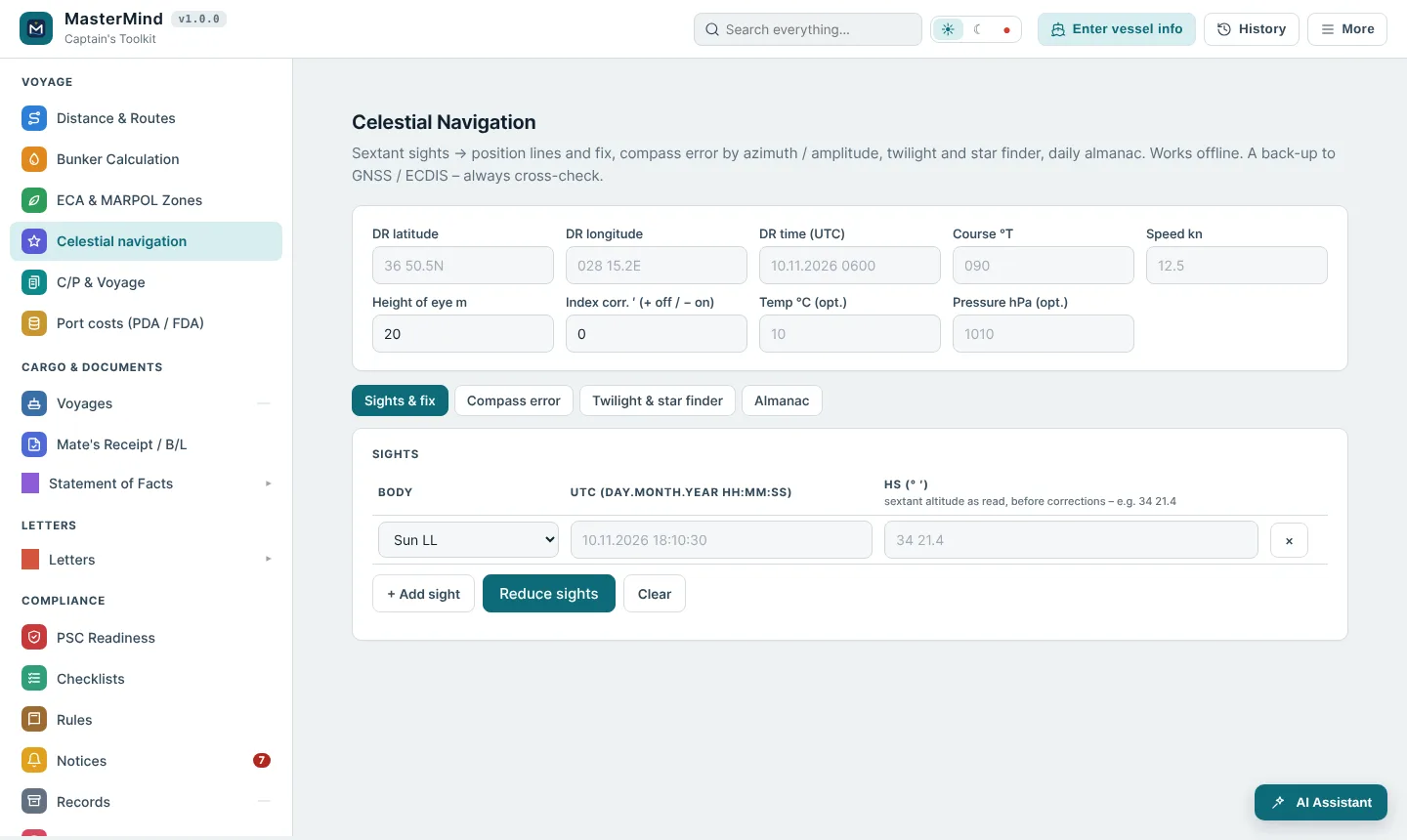
Celestial navigation
Sight reduction and fix from sun, moon, planets and 57 stars, compass error, twilight, star finder, almanac.
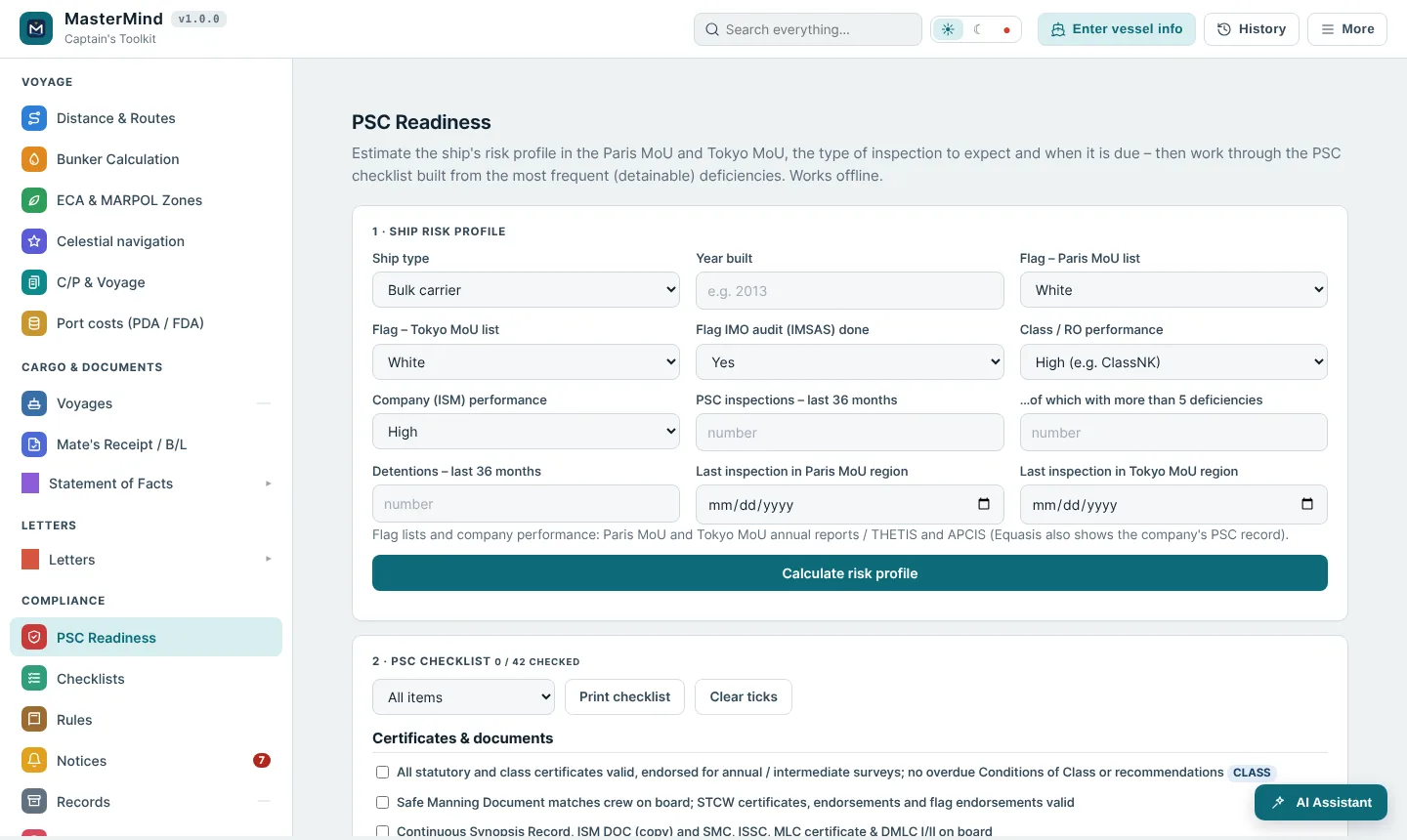
PSC readiness
Paris and Tokyo MoU risk profile, expected inspection type and a checklist of frequent deficiencies.
Rules library
SOLAS, MARPOL, MLC, STCW, COLREG, ISM, ISPS, BWM and more – searchable offline with the PSC angle.
Notices
New and changing port and area rules from the weekly check arrive in the program, marked on the chart.
Folder search
Index the ship's folders and find any letter, report or PDF in seconds.
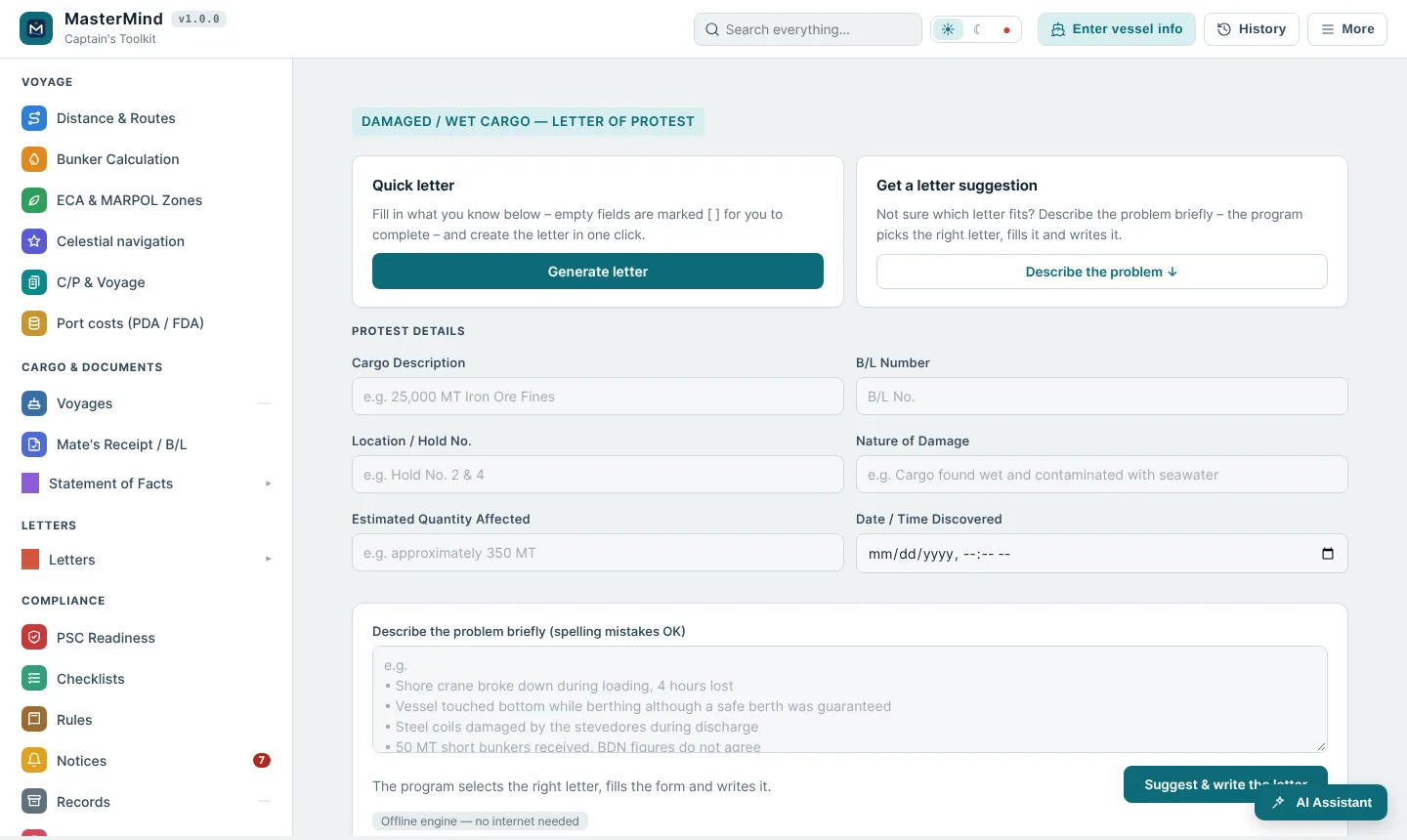
Describe the problem. Get the right letter.
Type what happened – “shore crane broke down, 4 hours lost” – spelling mistakes are fine. MasterMind picks the right letter, fills in the vessel and voyage details and lays it out in your company format.
- Bulk, tanker, chemical and container letters
- Offline engine; AI writing in the AI plans
- Your own letterhead, signature and history
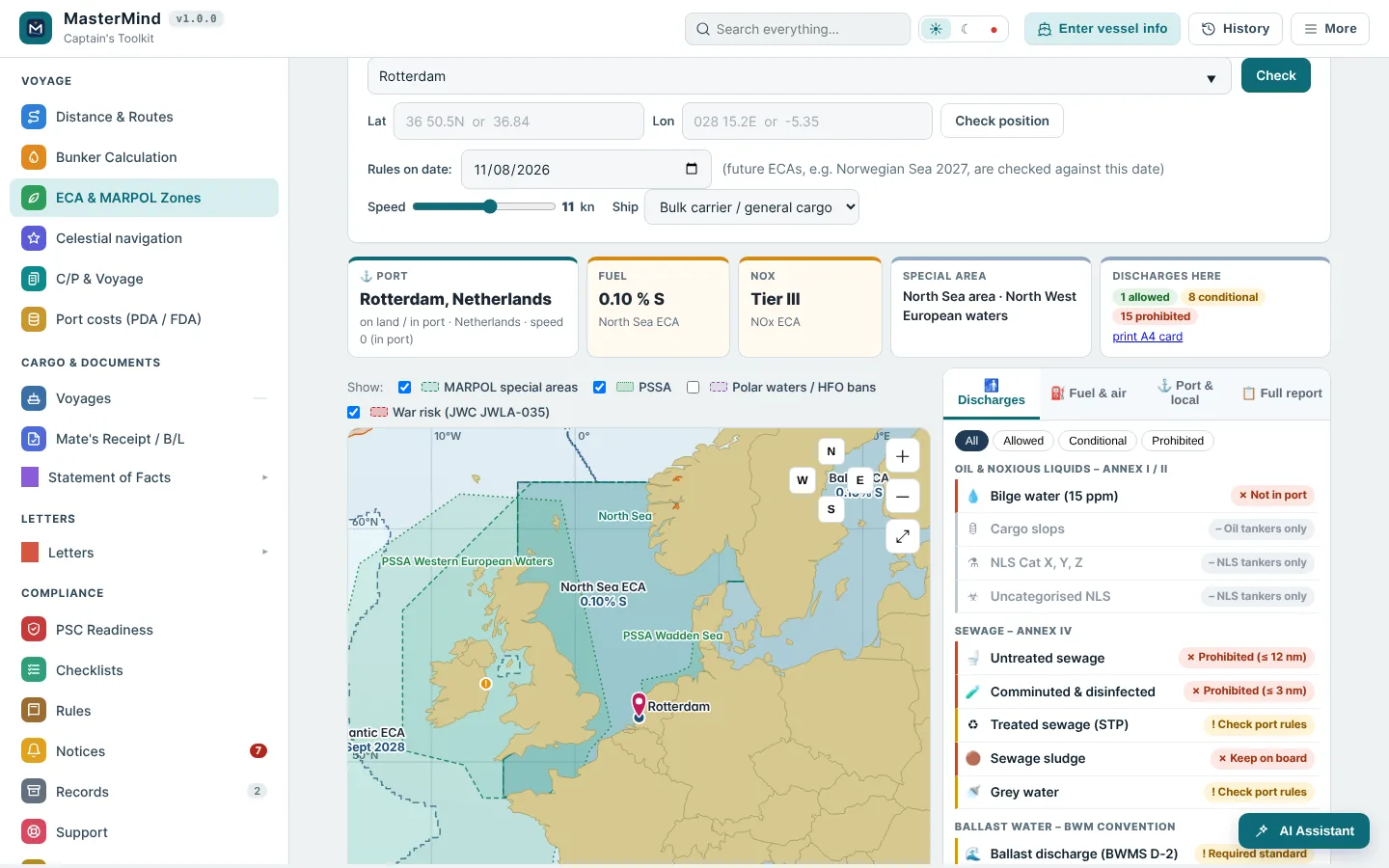
What applies here, for this ship, today?
Fuel sulphur limit, NOx tier, special areas, PSSAs, ballast water and discharge rules for any port or position – including future ECAs on the date you choose. Checked and updated weekly.
- Discharges allowed / conditional / prohibited
- Port and national rules, scrubber bans
- Printable A4 card for the engine room
A closer look
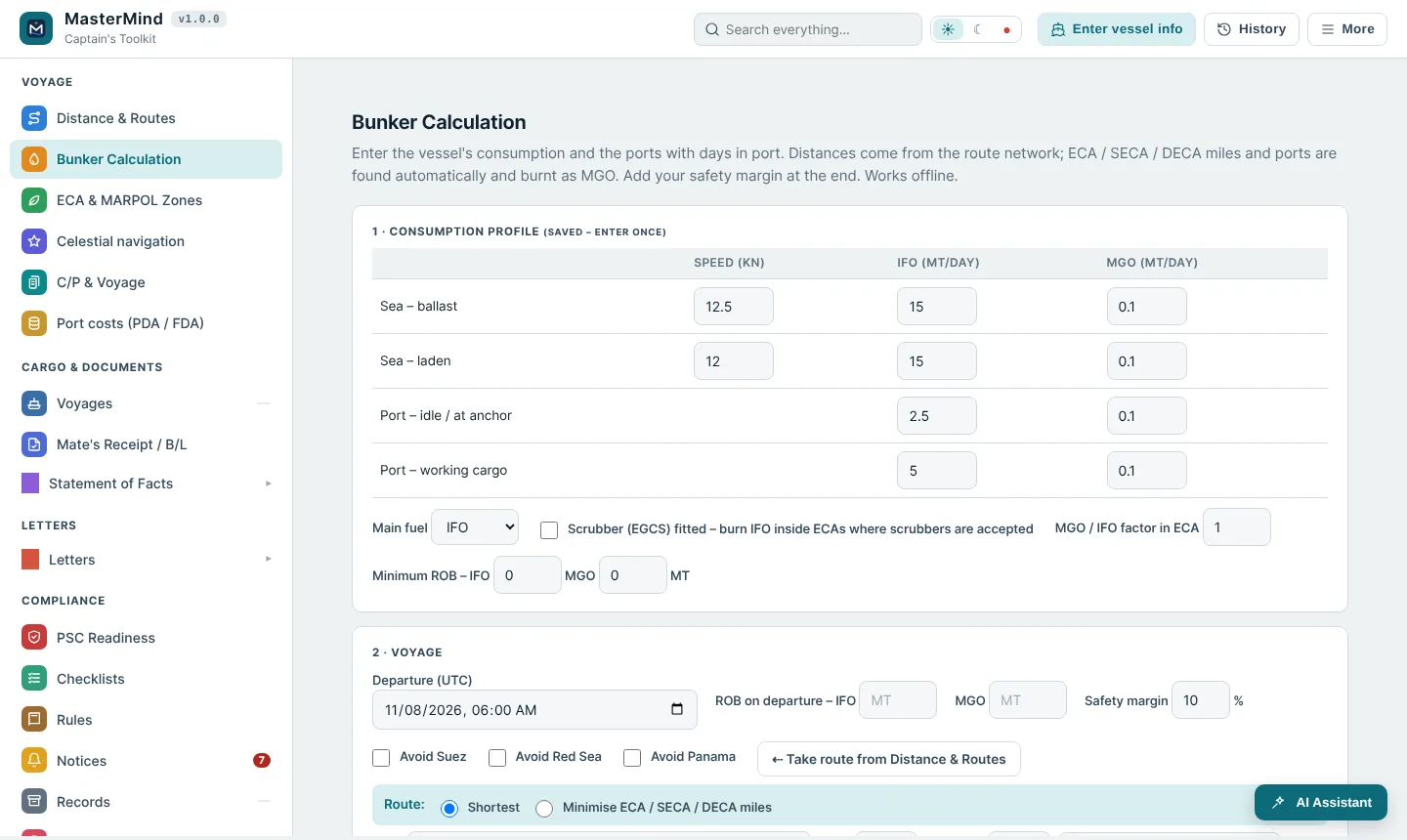
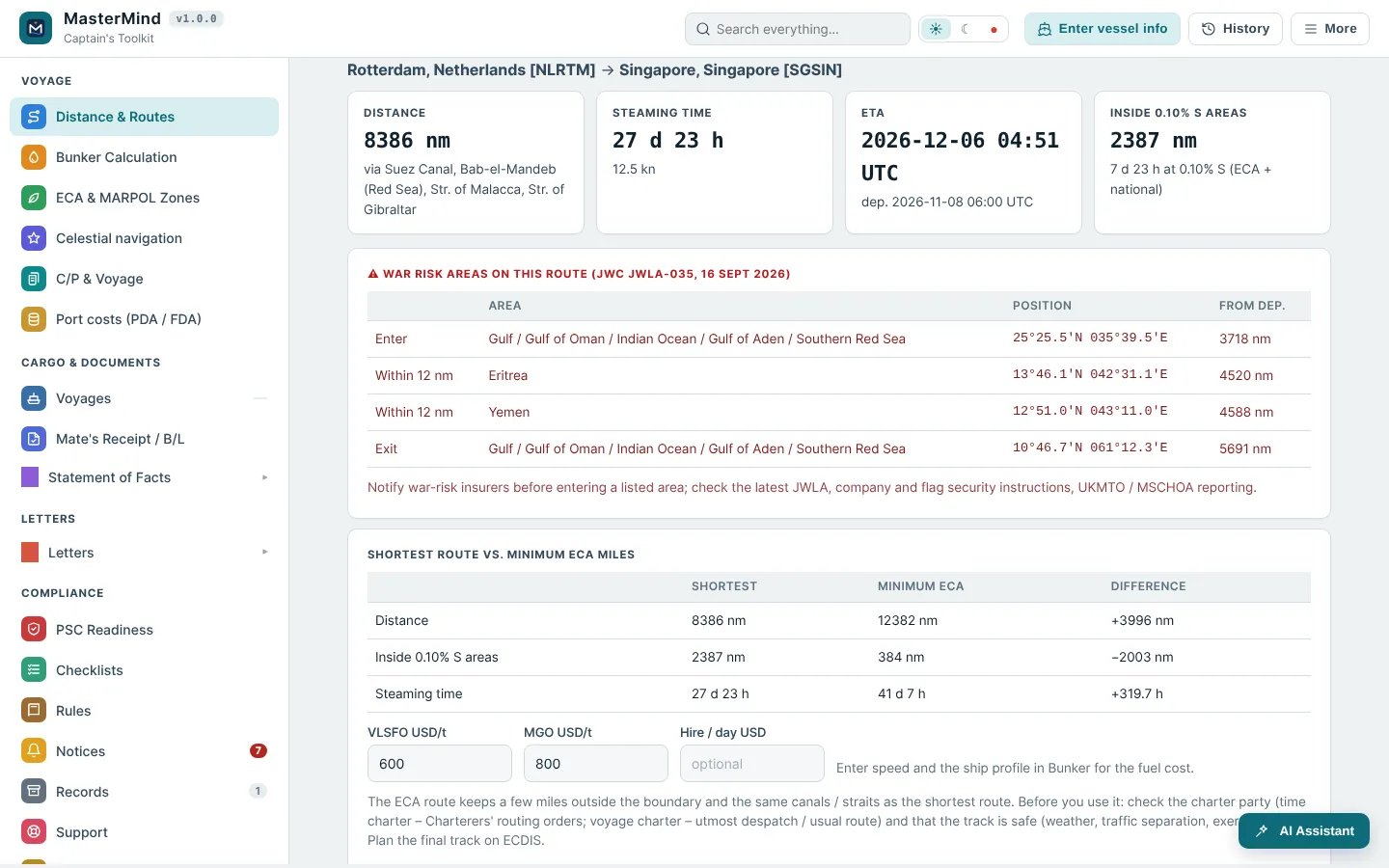
One licence per ship, per year.
Updates, weekly rule changes and notices included. Prices in US dollars, taxes calculated at checkout.
Basic
- All offline tools – letters, SOF compare & remarks, MR / B/L compare, PDA / FDA
- ECA & MARPOL zones with weekly rule updates
- Distances, bunker, celestial, PSC, rules library
- Program updates and notices
- Email support
AI Standard
- Everything in Basic
- AI letter writing and problem analysis
- AI reading of SOF, PDA / FDA and B/L files
- “Ask AI” in the rules library
AI Pro
- Everything in AI Standard
- Double the AI credits
- For busy trades and frequent port calls
- Priority support
Several ships? Ask for a fleet offer. Every plan starts with a free 15-day trial.
Common questions
Does it need the internet?
No. Everything except the AI functions works fully offline – including SOF, Mate's Receipt / B/L and PDA / FDA comparisons. When the ship has a connection, the program checks the licence and downloads rule updates and notices in the background. Licences can also be activated offline by email.
How are the ECA & MARPOL rules kept up to date?
Zones, port rules and notices are checked every week. Changes reach the program automatically as notices and updates while the licence is valid.
What is an AI credit?
A short question or remark uses 1 credit, writing a letter about 3 credits, reading a long PDF or SOF about 10 credits. 6,000 credits are roughly 150 letters a month, or a mix of questions, letters and files. Credits renew every licence year.
How many computers can I use?
One licence is for one ship, activated on the ship's computer. Moving to a new computer is done by deactivating the old one.
What happens after the trial?
The 15-day trial includes all offline functions. After 15 days the program asks for a licence key. Your data stays on the computer.
Where is my data stored?
On the ship's computer only, encrypted with your password. We do not see your letters, records or files.
Fleet prices?
For several ships write to sales@doxoreli.com and we prepare a fleet offer.
Try MasterMind on your ship
Developed by Master Mariner Y. Aksu. 15 days free, no card needed.